Google Slides™ add-on

Live polls and quizzes inside Google Slides™

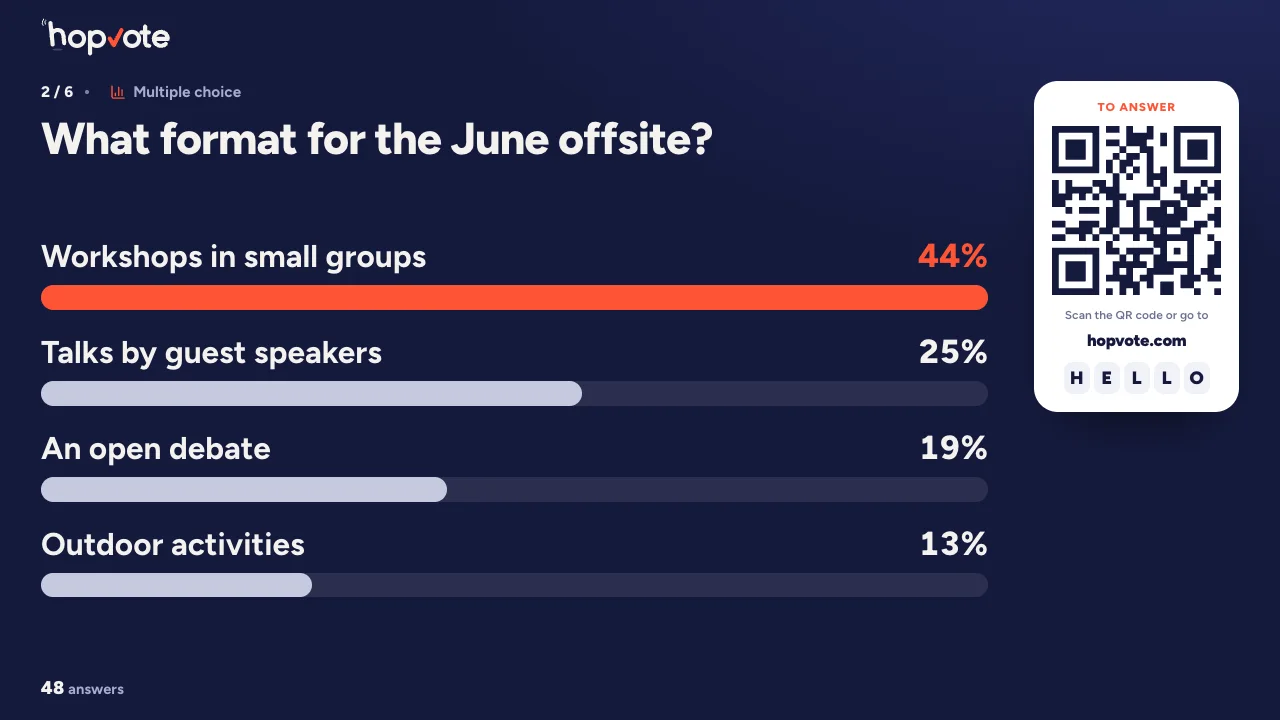
Install Hopvote from the Google Workspace Marketplace, add the slide with your QR code, then click Present with Hopvote. The slide comes alive with the results while the audience answers on their phones.

Get it on Google Workspace Marketplace
  • Free up to 80 participants
  • No app for the audience
  • Panel in English or French

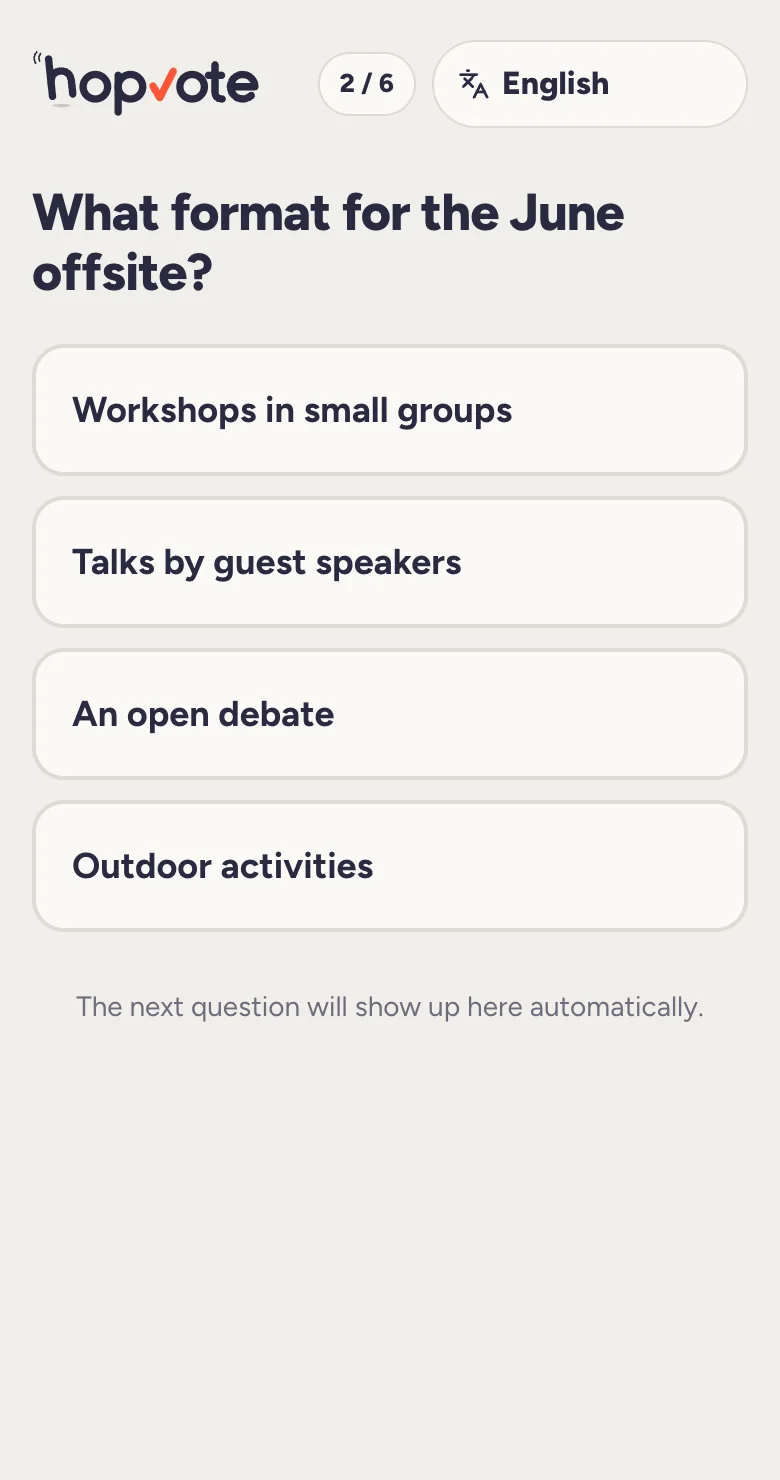
The big screen and a participant's phone

Set up in three steps

In Google Slides, open Extensions, then Hopvote. Write your questions, or let the AI helper draft them. Add the slide with the QR code, then click Present with Hopvote.

  • Polls, quizzes, word clouds, Q&A and every other question type
  • An AI helper that drafts questions from a short brief
  • A panel in English or French
  • Your deck stays in Google Slides

The slide comes alive while you present

During the presentation, the Hopvote slide shows the QR code, then the live results. People scan the code and answer on their phone, with no app and no account.

Every phone in its own language

Each phone shows the questions in its participant's language, among 35. A mixed room reads the same poll, and you write it only once.

Where a live slide helps

Lessons

Students answer on their phones, the class sees the results on the slide.

Training

Check what stuck after each part, then adjust.

Team meetings

A quick poll in the deck everyone already uses.

Online sessions

Share your screen and the link; remote people answer too.

8 questions for your next Google Slides deck

Free plan: 5 questions per presentation. Write them in the Hopvote panel, inside Google Slides.

  1. Word cloud

    In one word, how do you feel about today's topic?

    A word cloud to open the talk.

    Use this question
  2. Single choice

    Have you used this tool before?

    Yes, A little, Never.

    Use this question
  3. Quiz

    Which of these is the right answer?

    Four options, a timer and a leaderboard.

    Use this question
  4. Rating

    How clear was this part?

    A rating from 1 to 5 stars.

    Use this question
  5. Ranking

    Rank these topics, most useful first.

    Basics, Examples, Tools, Next steps.

    Use this question
  6. Multiple choice

    Which of these apply to your team? Pick all that apply.

    Several answers per phone.

    Use this question
  7. Q&A

    What would you like to ask?

    Audience Q&A: the best questions rise with upvotes.

    Use this question
  8. Open text

    One thing you will try after this session?

    Open text, one sentence each.

    Use this question

Three steps, no setup

  1. 1

    Write your questions

    Poll, quiz, word cloud, rating or Q&A. Or let the AI draft them.

  2. 2

    Show the QR code

    On screen or in your slides. People scan it and they are in.

  3. 3

    Watch answers arrive

    Results update live on the big screen, then export them.

Questions

How do I add a poll to Google Slides?

Install the Hopvote add-⁠on from the Google Workspace Marketplace. In Google Slides, open Extensions, then Hopvote, write your question and add the slide with the QR code.

Is it like Slido or Mentimeter for Google Slides?

Yes, it does the same job: live polls, quizzes and Q&A in your deck. Hopvote is free up to 80 participants, with every question type, and paid plans start at €5 a month.

Do participants need an app?

No. They scan the QR code or type hopvote.com and the 5-character code, then answer in their browser. No account either.

Is the add-⁠on free?

Yes to start: up to 80 participants and 5 questions per presentation. Solo is €5 a month, VAT included, and an Event Pass is €9, paid once for 72 hours. Google Slides™ is a trademark of Google LLC.
Make your next session interactive, starting today

  • Free up to 80 participants
  • No app for the audience
  • Panel in English or French