Every way to ask your audience
From a quick poll to a quiz with a leaderboard, a wheel to spin or a video to watch. Mix them freely in one presentation.
Create a presentation- Free up to 80 participants
- No credit card
- No app to install
Poll
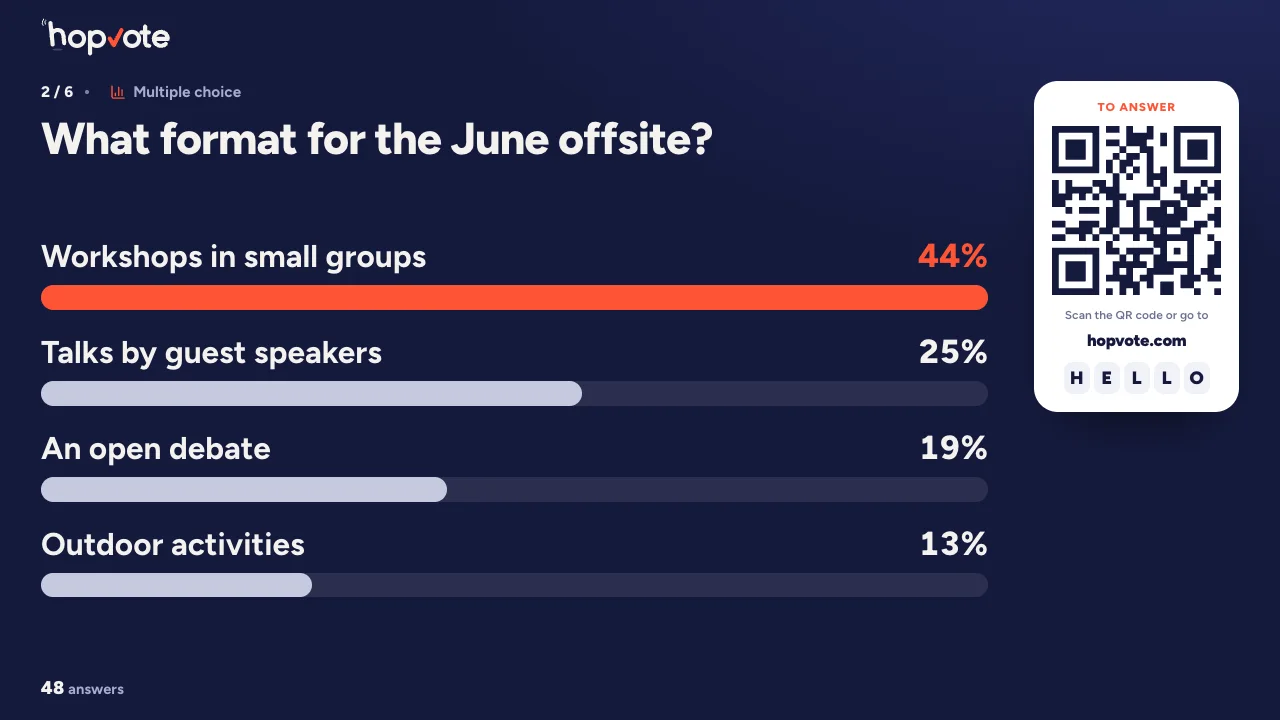 Multiple choiceThe room picks from your options.See the page
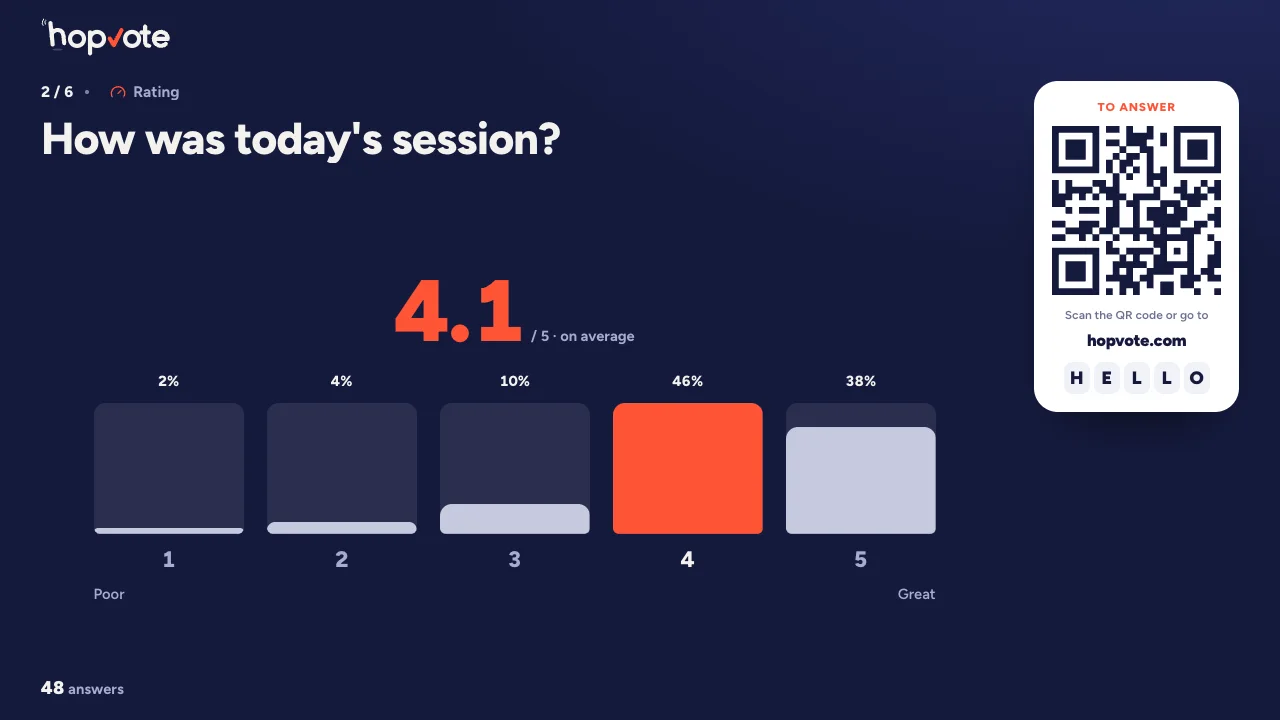 RatingA score from 1 to 5 or 1 to 10, with the average.See the page
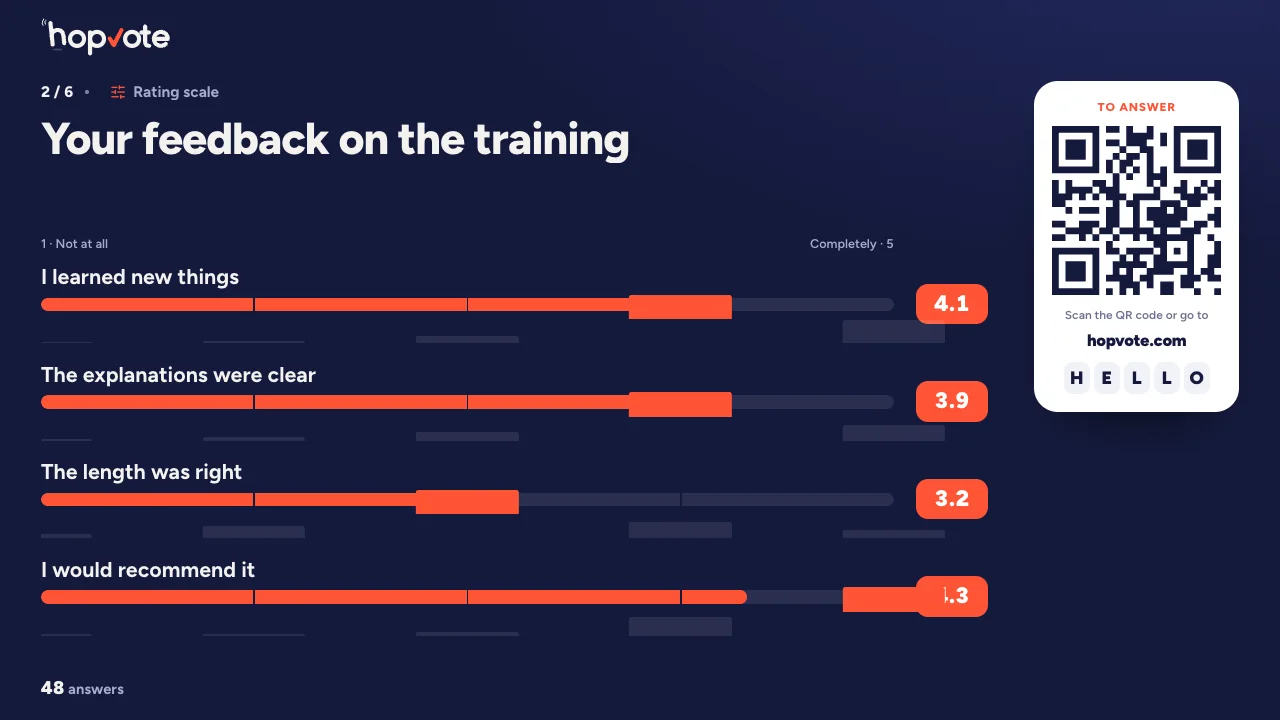 Rating scaleSeveral statements, each rated at once.See the page
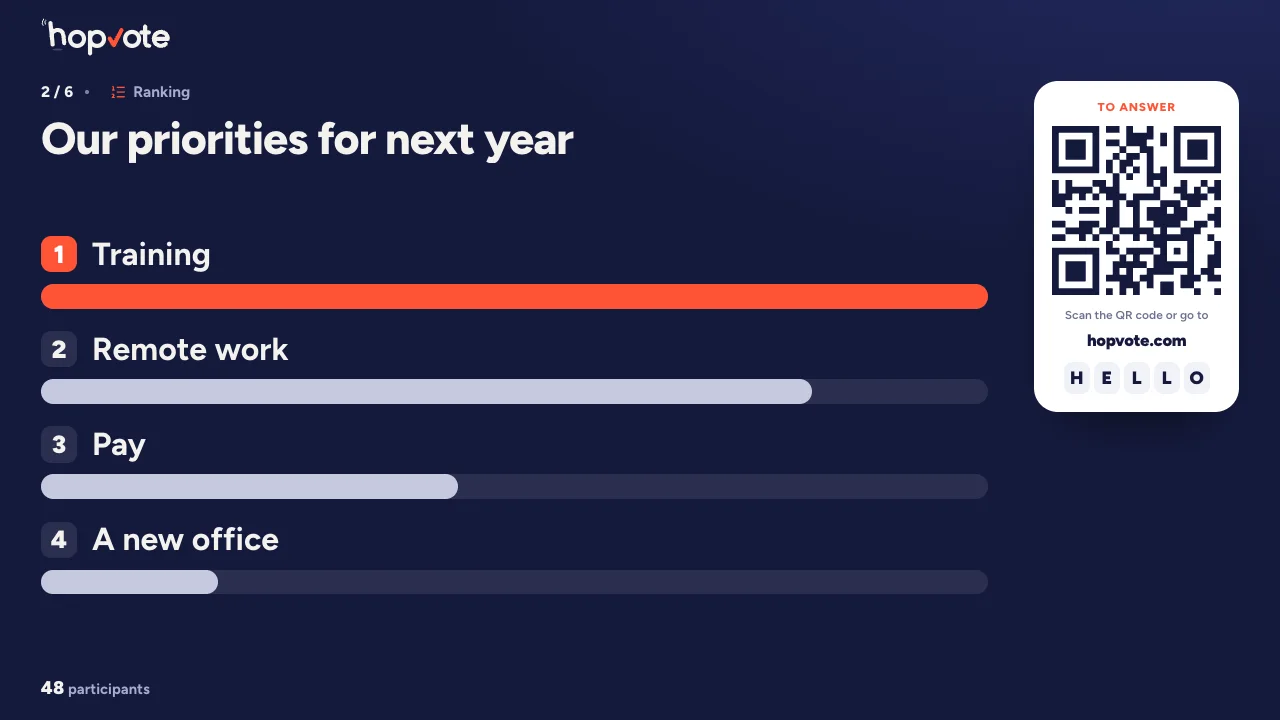 RankingEveryone puts the items in order of preference.See the page
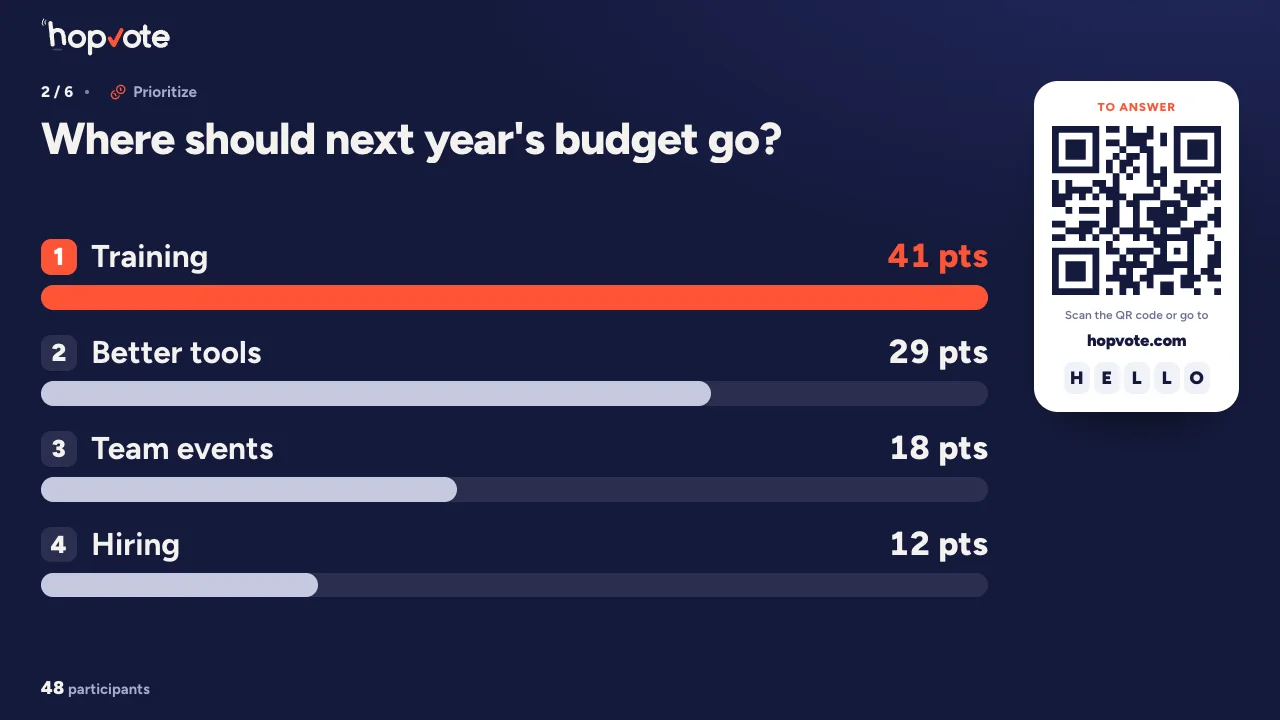 PrioritizeEveryone shares 100 points between the items.See the page
Engage
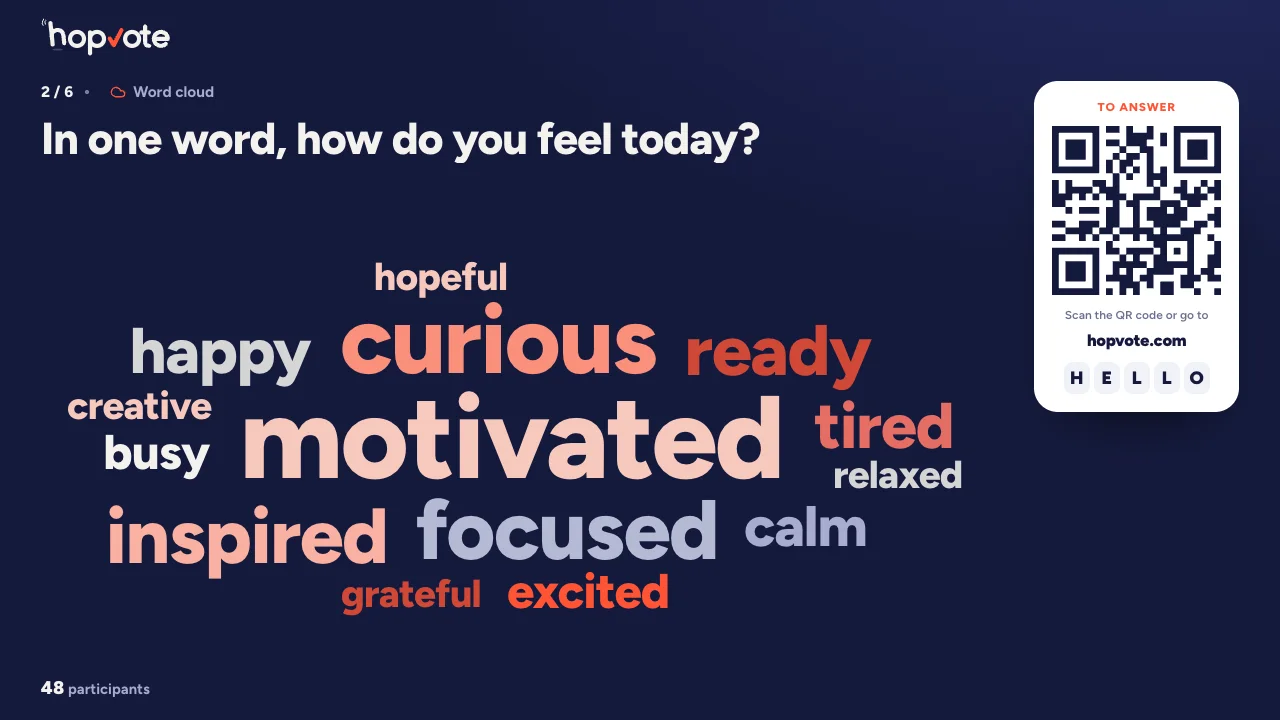 Word cloudEveryone sends up to 3 words. The most cited grow bigger.See the page
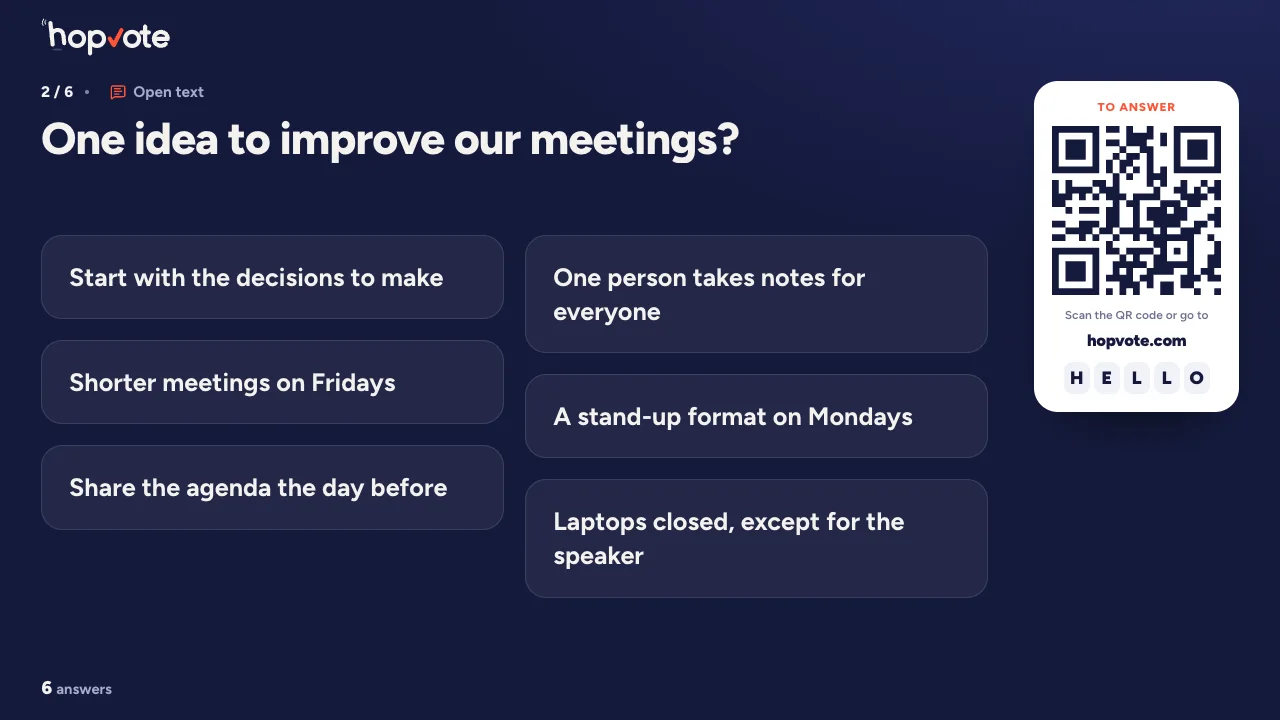 Open textEveryone writes an answer. You can hide any of them.See the page
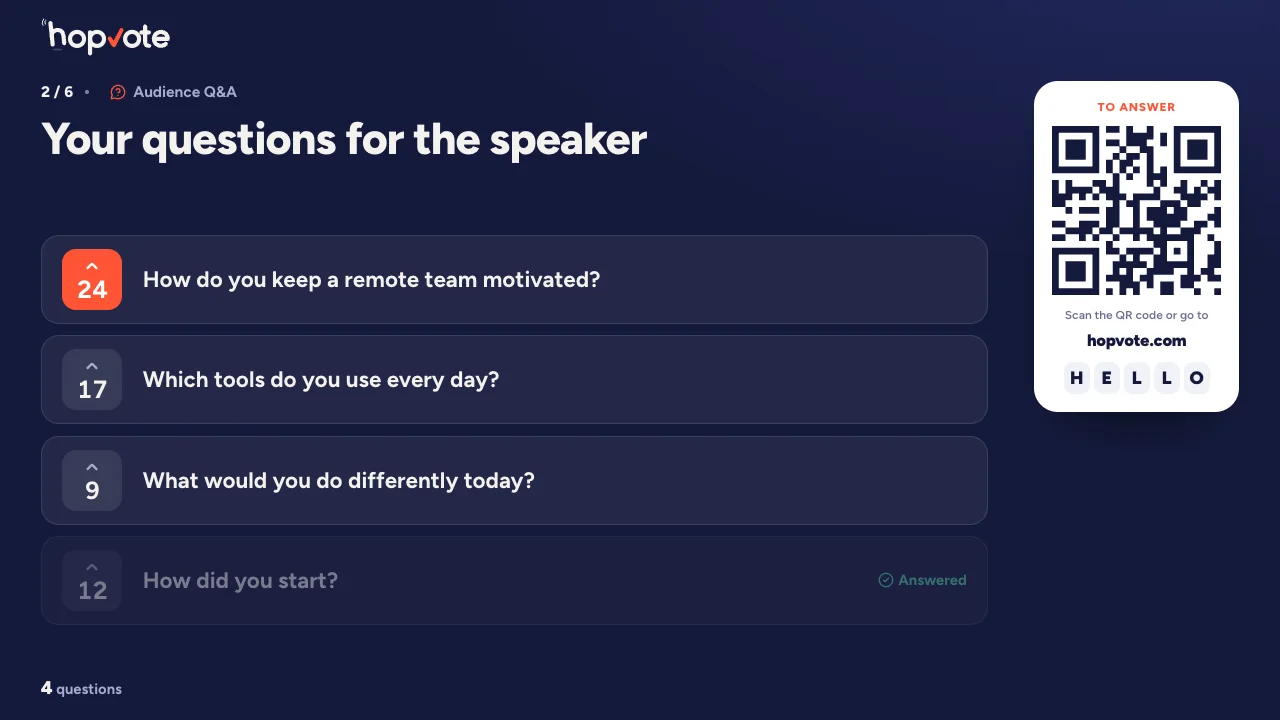 Audience Q&AThe room asks questions and upvotes the ones to answer first.See the page
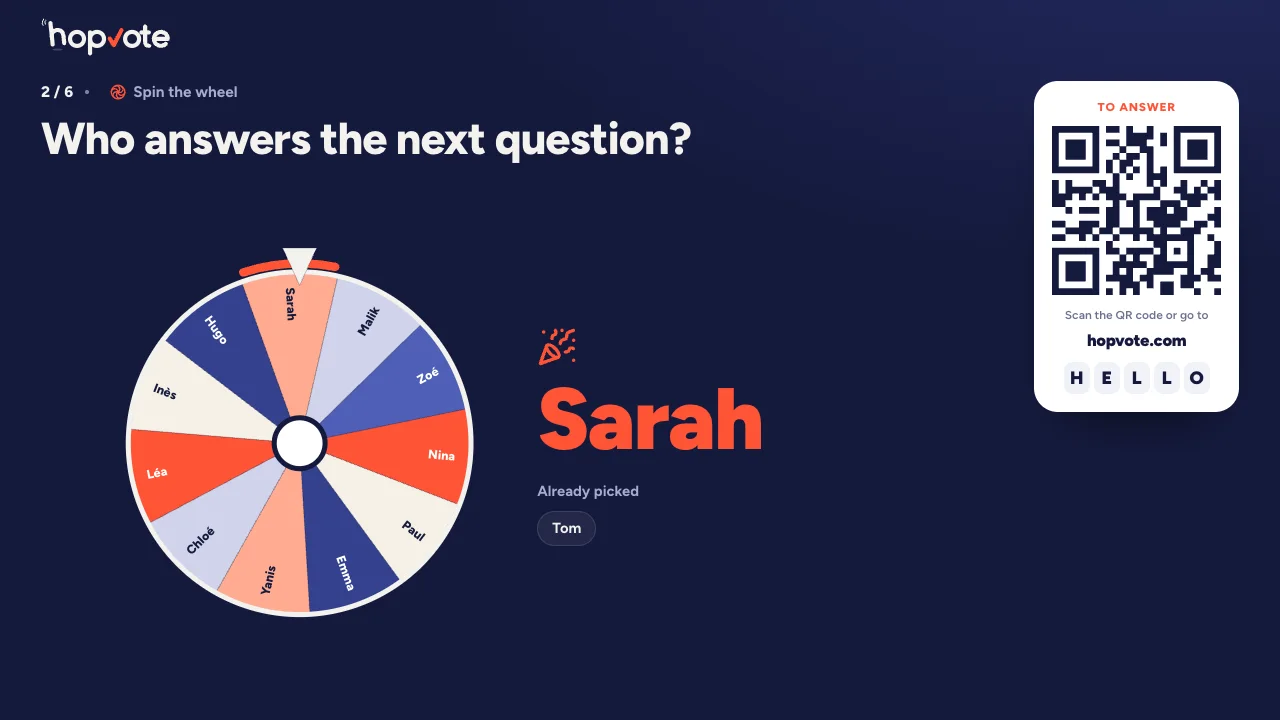 Spin the wheelPicks a name or an idea at random, on every screen at once.See the page
Knowledge check
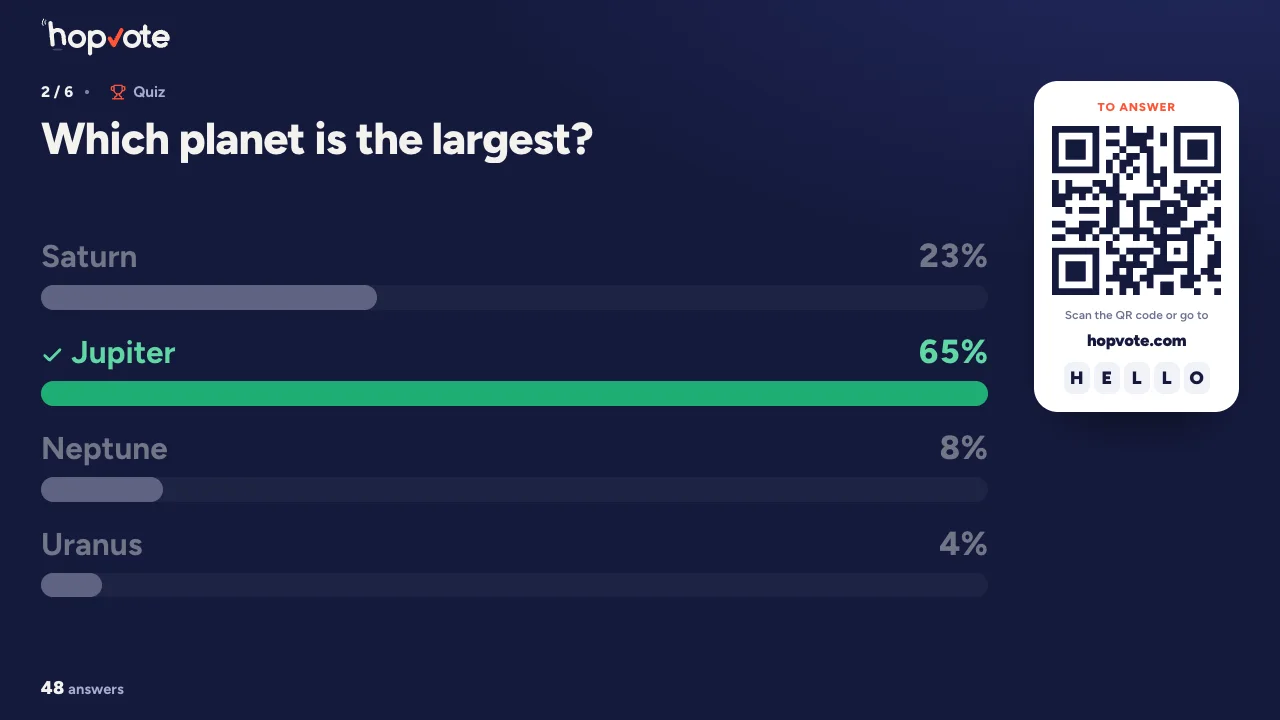 QuizOne right answer, revealed when you choose.See the page
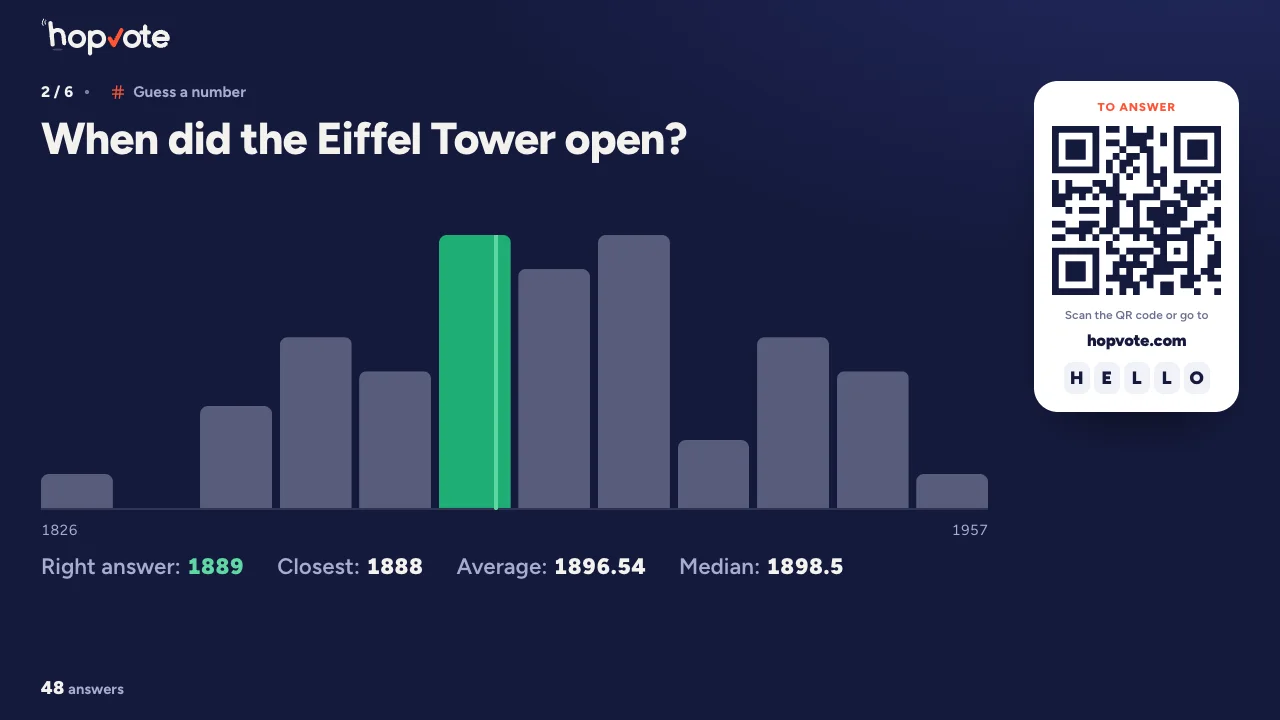 Guess a numberEveryone answers with a number. With a right answer, the closest wins.See the page
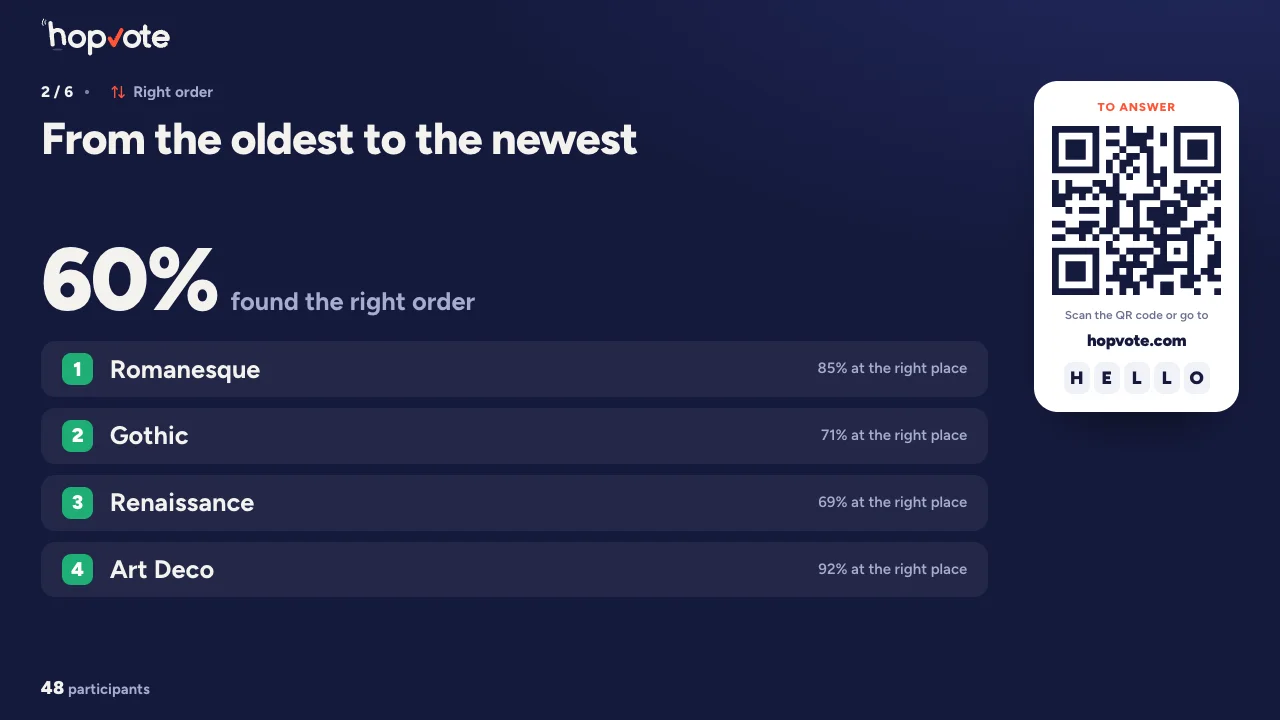 Right orderPut the items in the right order. Phones get them shuffled.See the page
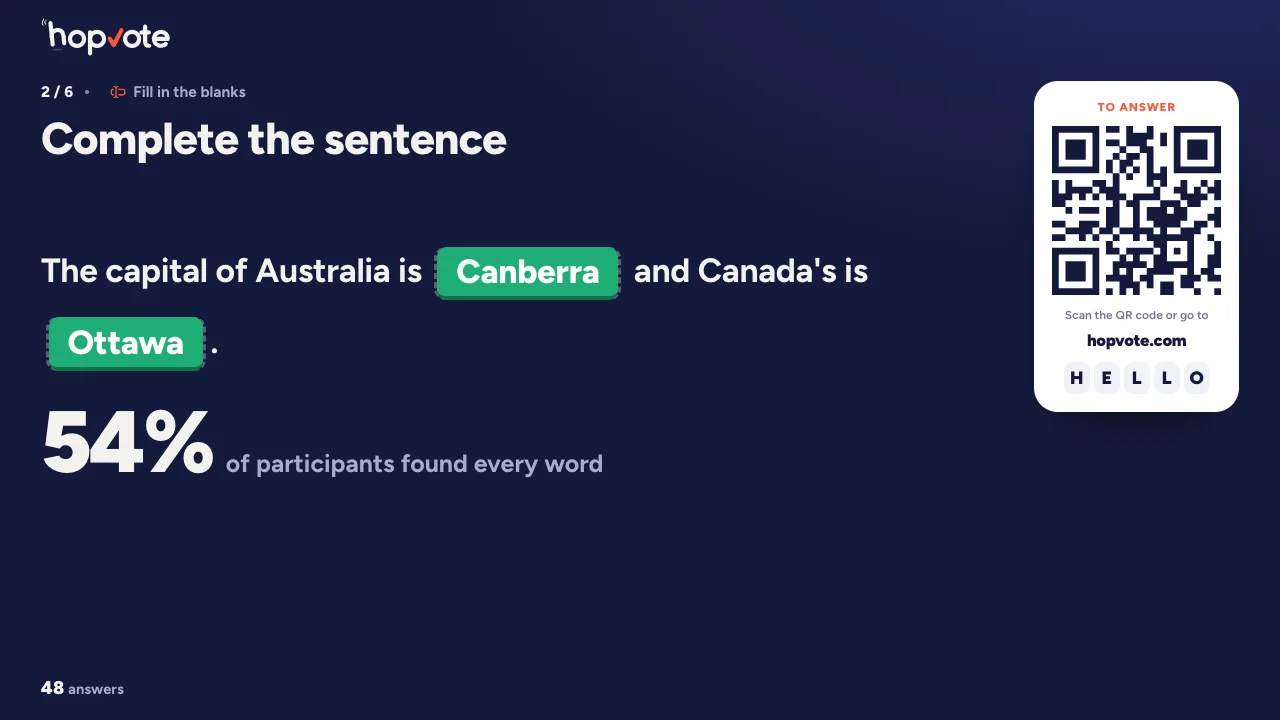 Fill in the blanksA sentence with words to find. Each right blank earns points.See the page
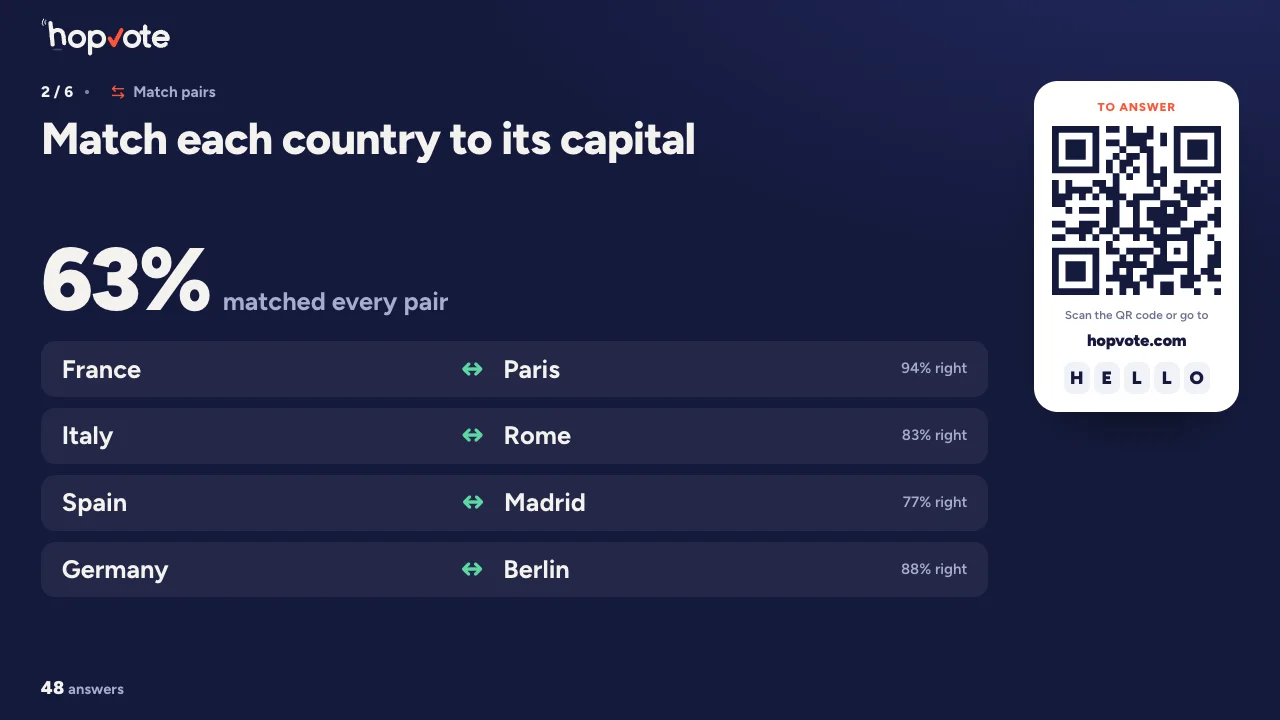 Match pairsLink each item to its pair. Phones get them shuffled.See the page
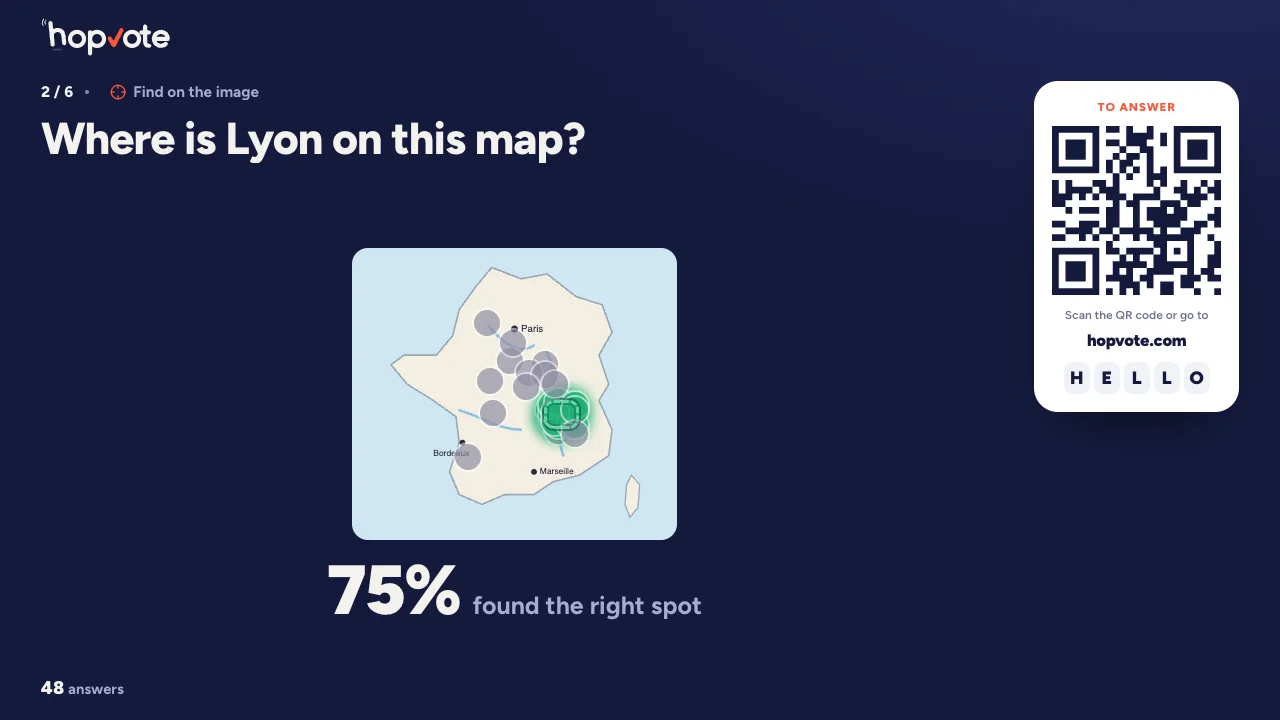 Find on the imageEveryone taps a spot on your image. Mark the right zone for a game.See the page
Present
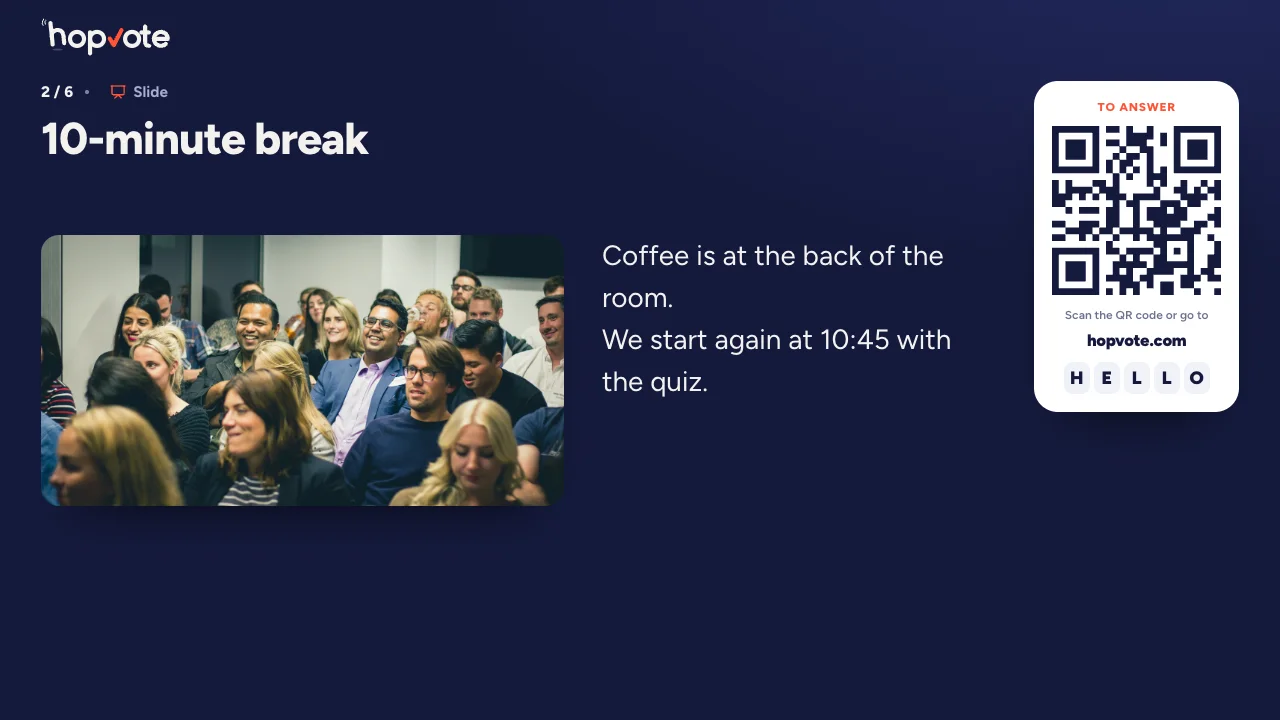 SlideA title, a text and an image between two questions.See the page
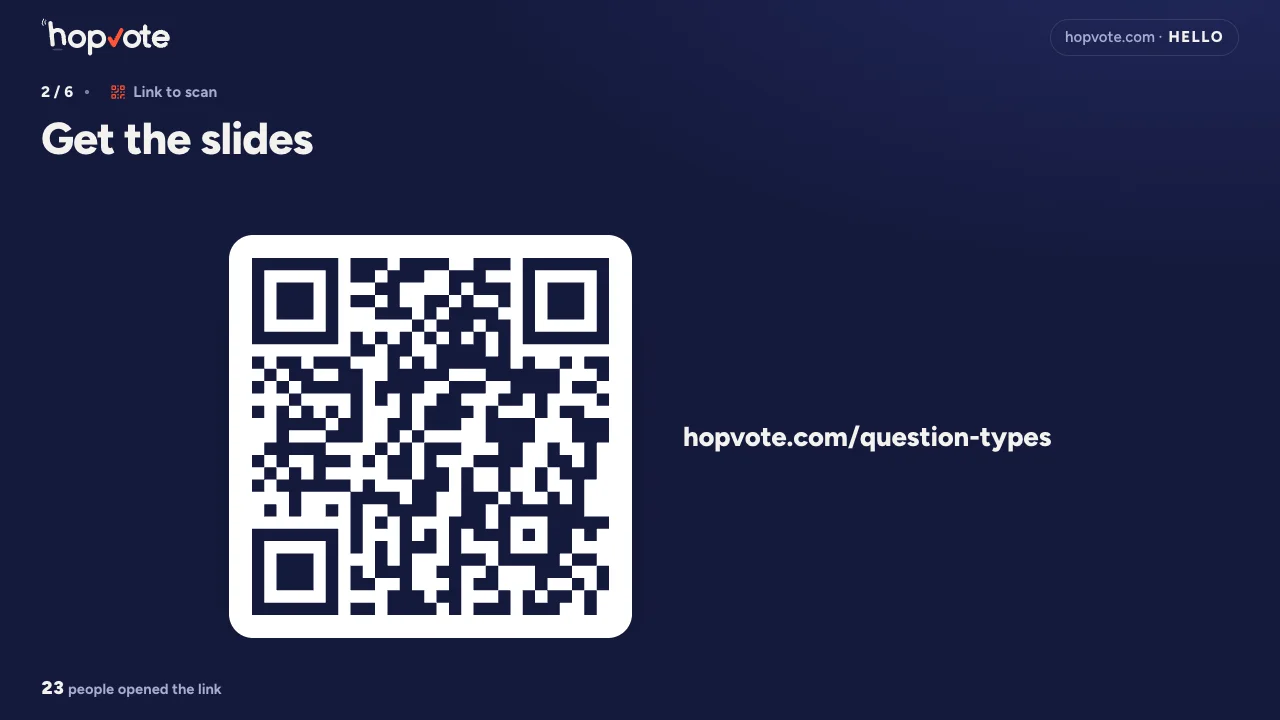 Link to scanA big QR code to your link. Phones get a button to open it.See the page
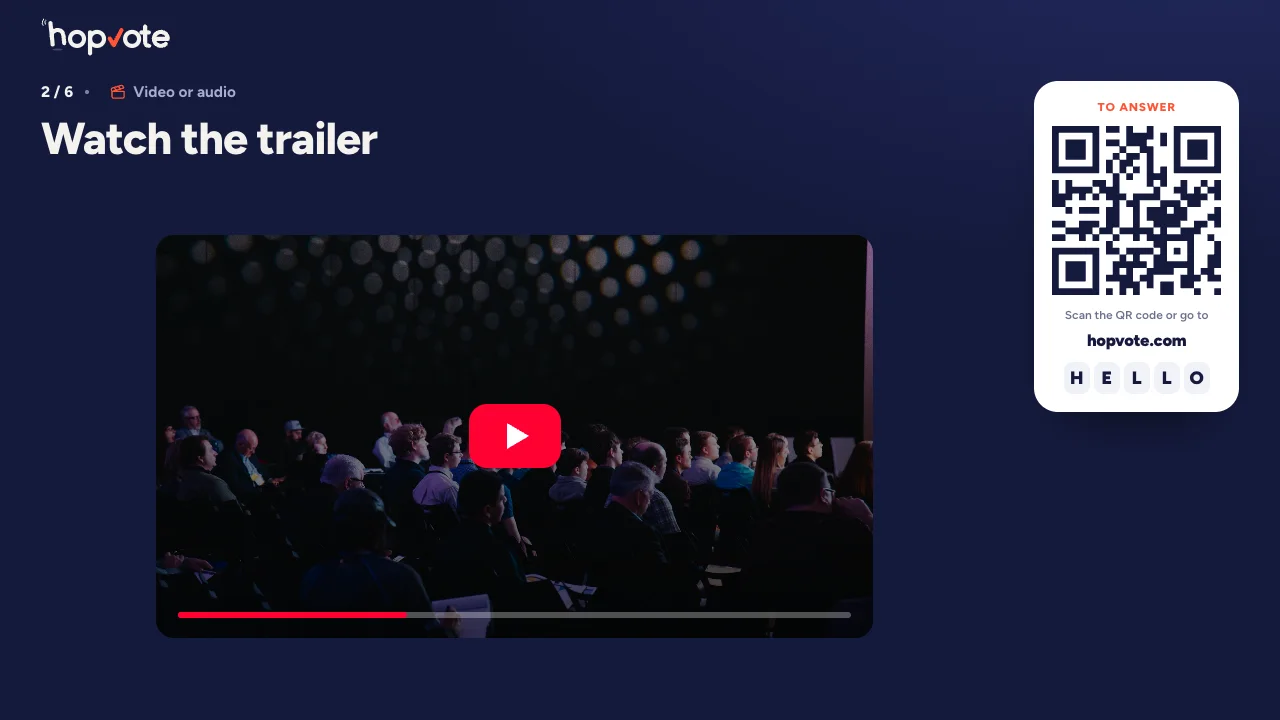 Video or audioPlays a YouTube, Vimeo or SoundCloud link, or a file, on the big screen.See the page
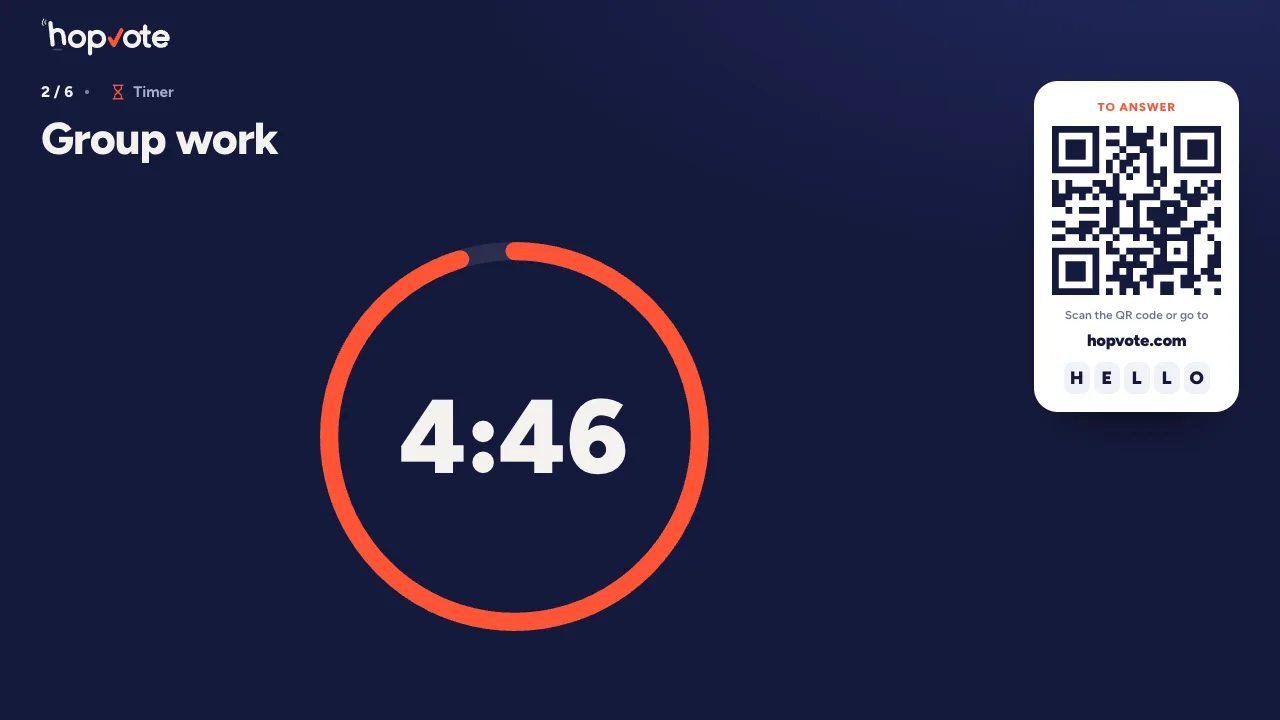 TimerA big countdown on the screen and the phones, for a break or group work.See the page
Collect
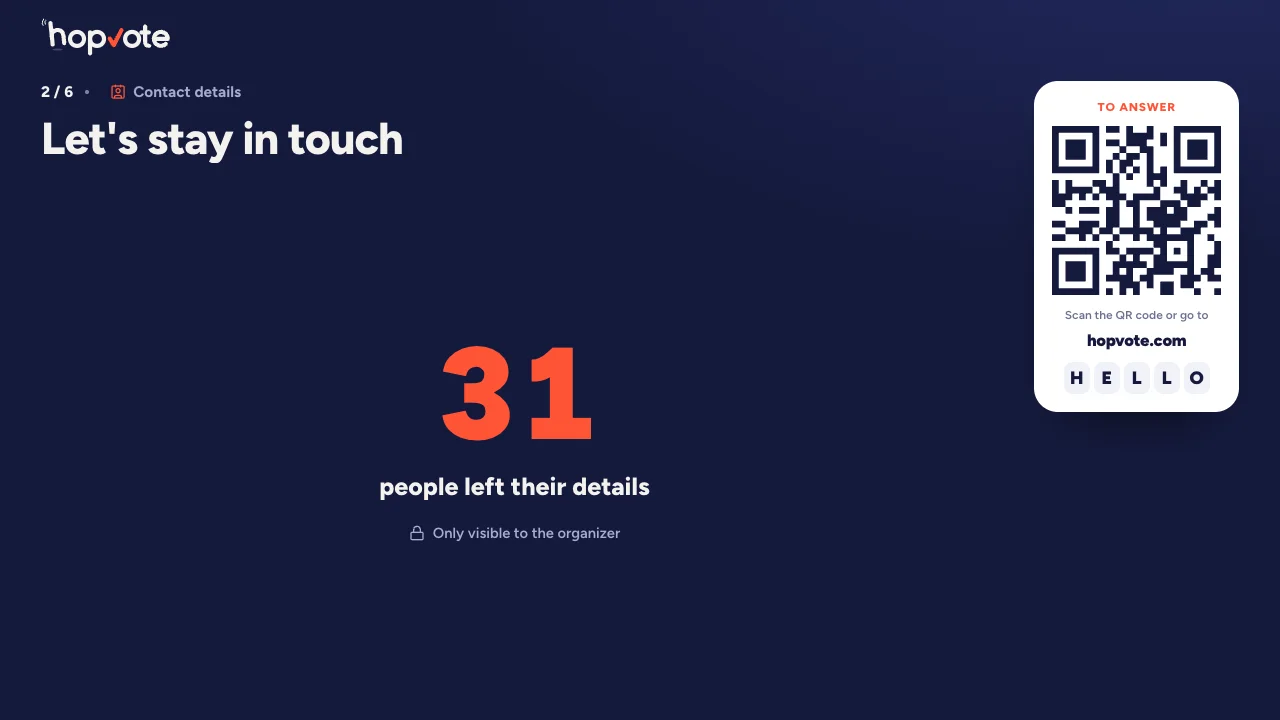 Contact details
Questions
Are all question types free?
Yes. The free plan includes every question type, with up to 80 participants and 5 questions per presentation.
Can I mix question types in one presentation?
Yes. A presentation can mix polls, games, slides, a wheel or a timer. You move from one to the next with the arrow keys.
Do participants need an app?
No. They scan the QR code or type the code at hopvote.com, then answer in their browser, in their own language.
Choose your first question and see the answers live
- Free up to 80 participants
- No credit card
- Nothing to install