Meetings
Make a decision together in one minute.
Live poll
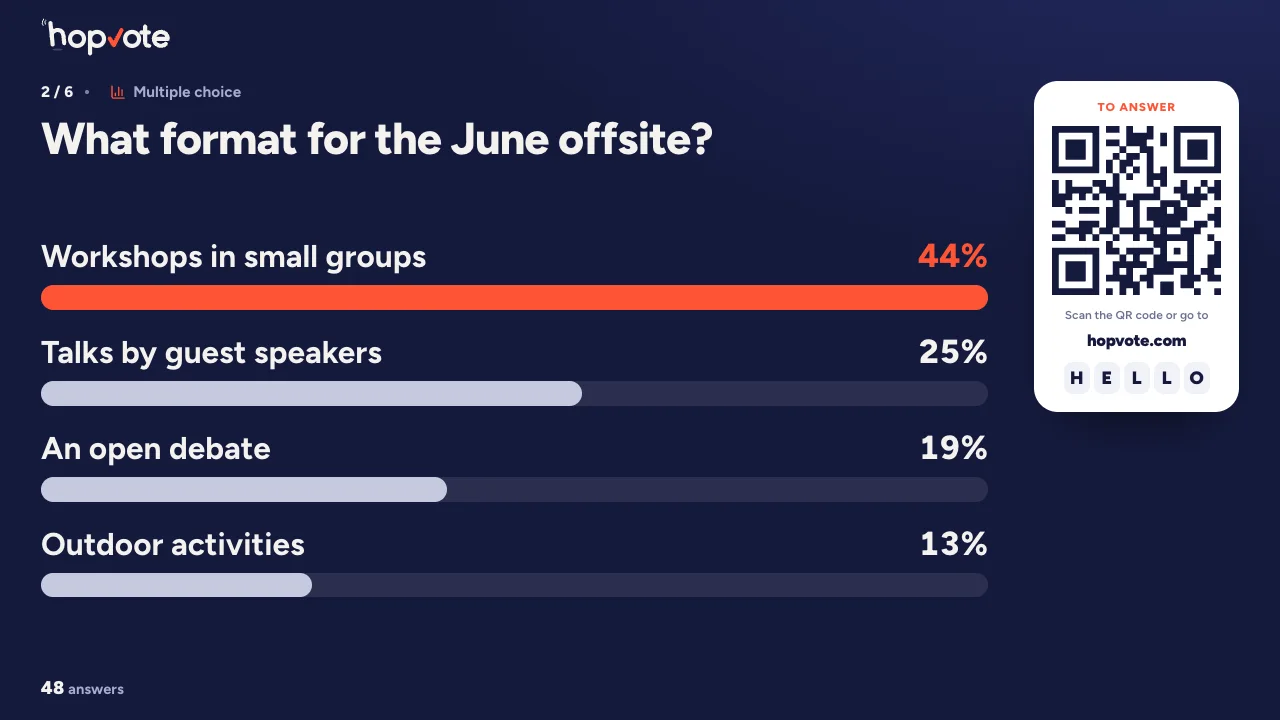
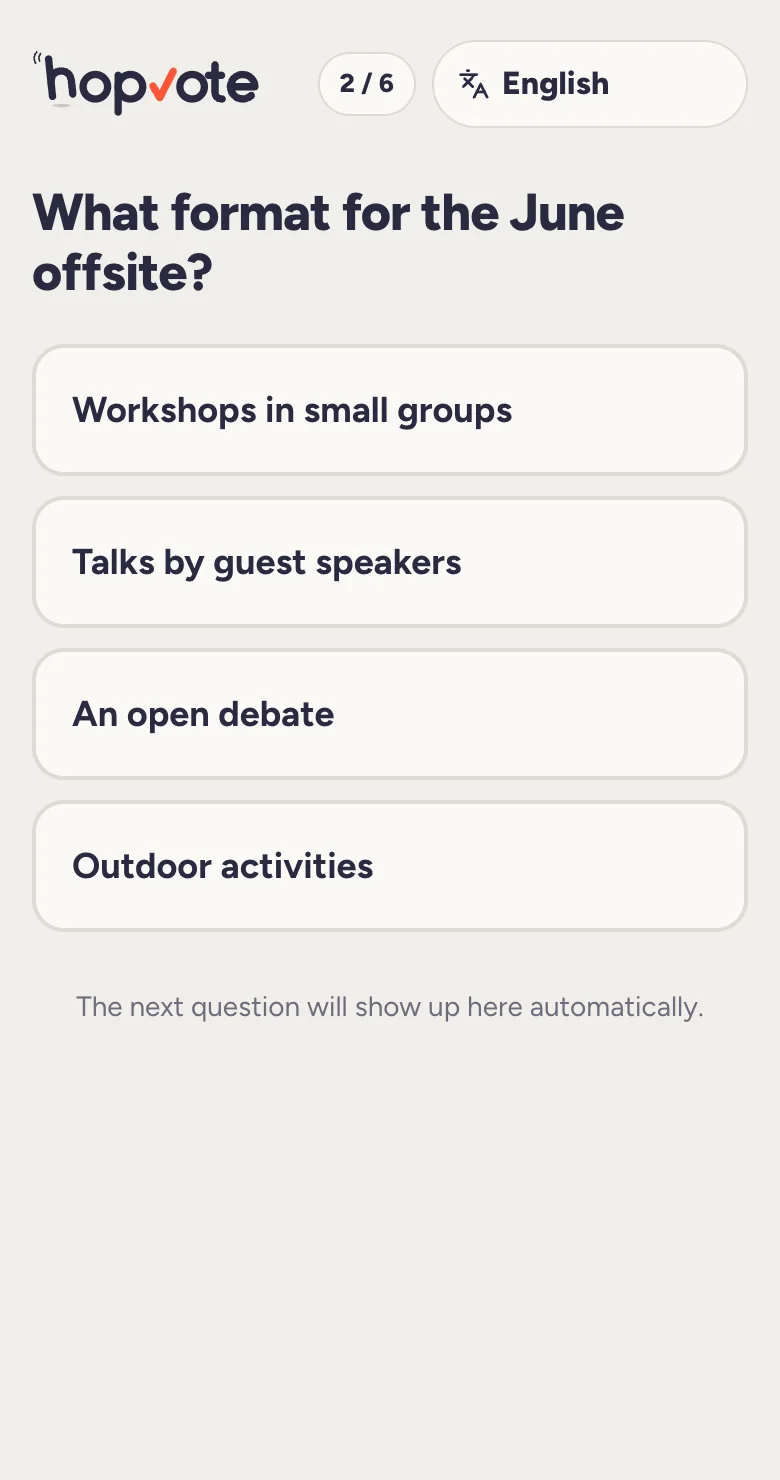
Ask a question, show the QR code, and watch the bars move as people vote. Works in a meeting room, a lecture hall, a webinar or on stage.
Create a live pollThe big screen and a participant's phone
Poll, quiz, word cloud, rating or Q&A. Or let the AI draft them.
On screen or in your slides. People scan it and they are in.
Results update live on the big screen, then export them.
Make a decision together in one minute.
Read the room before you start your talk.
Online and in-room voters, one poll.
Check understanding without singling anyone out.
Which option should we go with?
Use this questionWhat is our biggest priority this quarter?
Use this questionHow familiar are you with today's topic?
Use this questionWhich part of the lesson was hardest?
Use this questionWhere are you joining from today?
Use this questionWhich day suits everyone for the next workshop?
Use this questionType your question and options, or let the AI suggest them. Press Present: a QR code and a short code appear next to the live results. Voters need nothing but a phone camera.
Show the live poll next to Google Slides, PowerPoint or Canva, or share it in Google Meet, Zoom and Teams. The Google Slides and Google Meet add-ons are available, and add-ins for PowerPoint and Canva are coming soon.
Votes are anonymous by default, so people say what they really think. Each phone votes once, and a voter can change their answer before you close the poll.
Yes. The free plan includes live polls for up to 80 voters per presentation, with no time limit.
No. They scan the QR code or type the short code on hopvote.com, and vote in their browser.
Yes. Share the short link in the chat: people in the room and online vote in the same poll.
Yes. Put several questions in one presentation and move through them with the arrow keys.