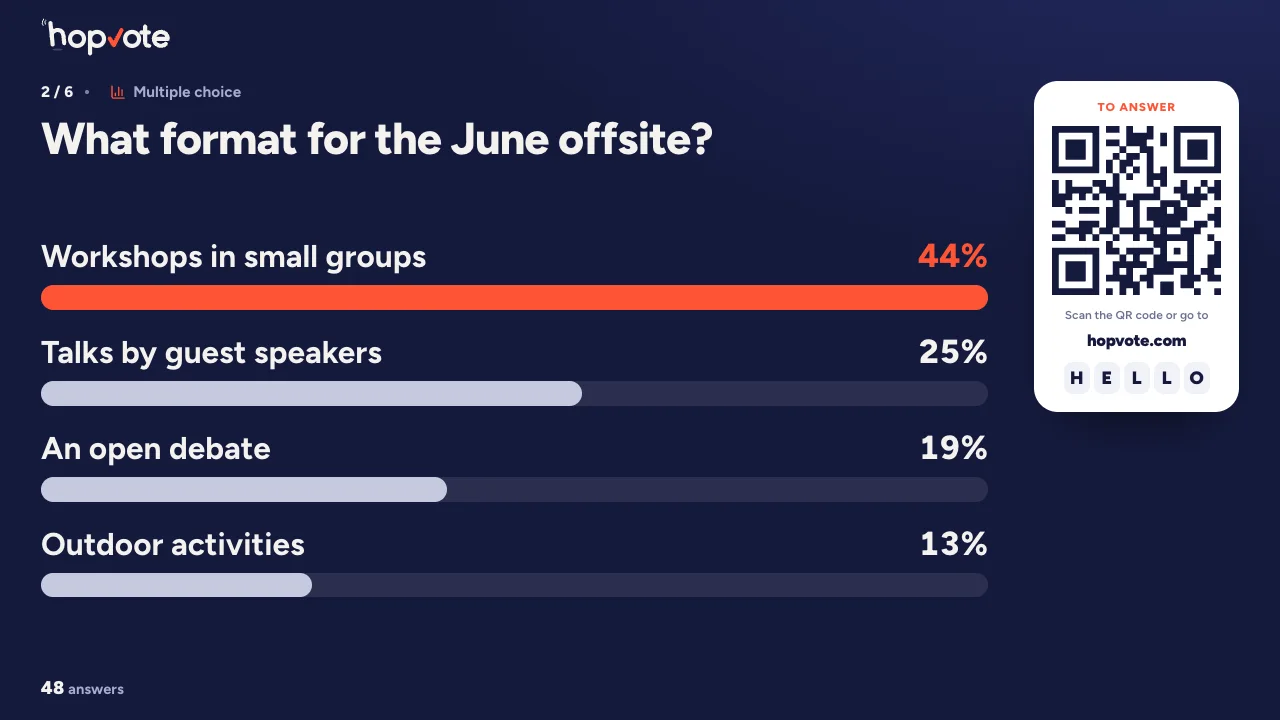
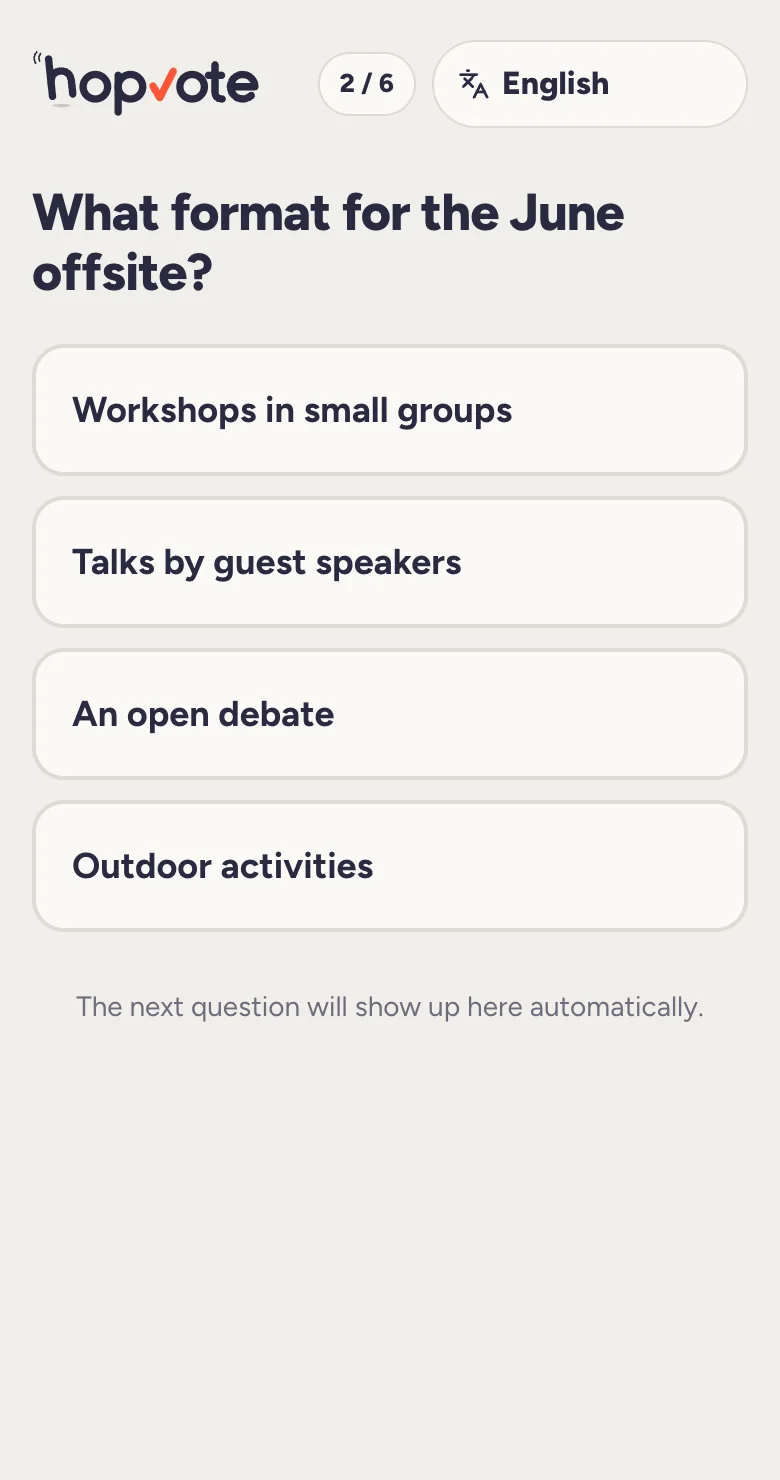
Everything you use Slido for, polls, quizzes, word clouds and audience questions, with a QR code on screen and answers from every phone. Free to start, then €5 a month, month by month.
App for participants None, browser onlyNone, browser only
Quiz with leaderboard Yes, free planYes
Automatic translation on phones Yes, 35 languagesLimited
Inside PowerPoint, Canva, Google Slides Google Slides now, others soonYes
Competitor prices are indicative, per month for the first paid plan, as listed on their public pricing pages in October 2026.
Why people switch
01
Why teams switch from Slido
Slido is a solid tool, but most teams only need a handful of question types, a QR code and live results. Hopvote focuses on exactly that, with a cleaner presenter screen and pricing that does not require a yearly plan.
Monthly billing, cancel anytime: no annual contract to start
Every question type in the free plan: polls, quiz, word cloud, rating, ranking, open text, Q&A
Each phone reads the questions in its own language, automatically
Your logo, colors and fonts on the big screen from €5 a month
02
Works where you already present
Present from any browser tab next to your slides, with the QR code on a slide. The Google Slides add-on is available, and add-ins for PowerPoint and Canva are coming soon. In Google Meet, open Hopvote from Activities; in Teams or Zoom, share the short link in the chat and everyone answers from their computer or phone.
03
Switching takes five minutes
Create a free account, write your questions or let the AI draft them from a short brief, then show the QR code. Participants never need an app or an account, so there is nothing to roll out.
Switch in five minutes
Minute 1
Create a free account with your email or Google.
Minute 3
Paste your questions, or let the AI write them from a short brief.
Minute 5
Show the QR code. The room answers from their phones.
Questions
Is Hopvote really free?
Yes. The free plan includes 5 presentations of 5 questions, up to 80 participants each, with every question type. No credit card needed.
Can I import my Slido questions?
Copy and paste them into the editor, or describe your session to the AI assistant and it drafts the questions for you.
Do participants need an account?
No. They scan the QR code or type hopvote.com and the 5-character code, and answer in their browser.
Does it work for large events?
Yes. Pro handles 3,000 participants per presentation, and the Big Event Pass covers up to 5,000 for 72 hours.
Make your next session interactive, starting today